
product
Exclude Products From Your Cart Abandonment Discount
Keep low-margin products out of NavonaAI's discount. Learn how exclusions work, how they affect discount stacking, and how many products you can exclude.
 ChatGPT
 Perplexity
 Gemini
 Claude
Not every product should carry the same discount when a shopper is about to leave. A low-margin item can turn a "save the sale" offer into a loss.
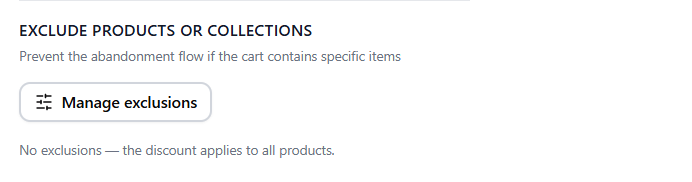
Exclusions let you keep specific products, or whole collections, out of NavonaAI's discount. Everything else in the cart is still covered.
How exclusions work
Open Manage Exclusions from your NavonaAI prevention settings and pick the Products tab or the Collections tab. You can exclude individual products, whole collections, or both.
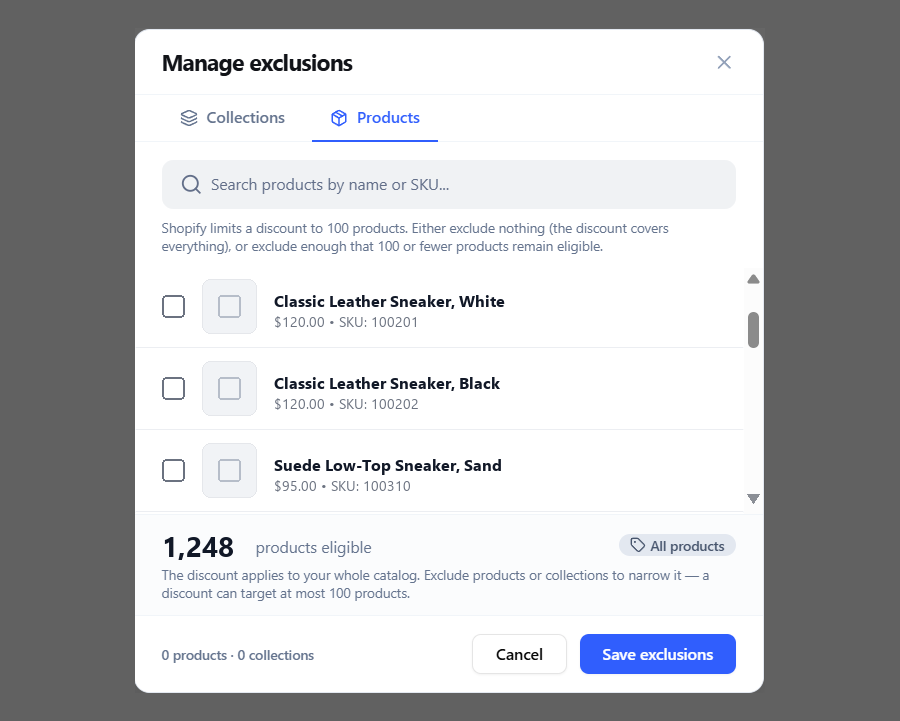
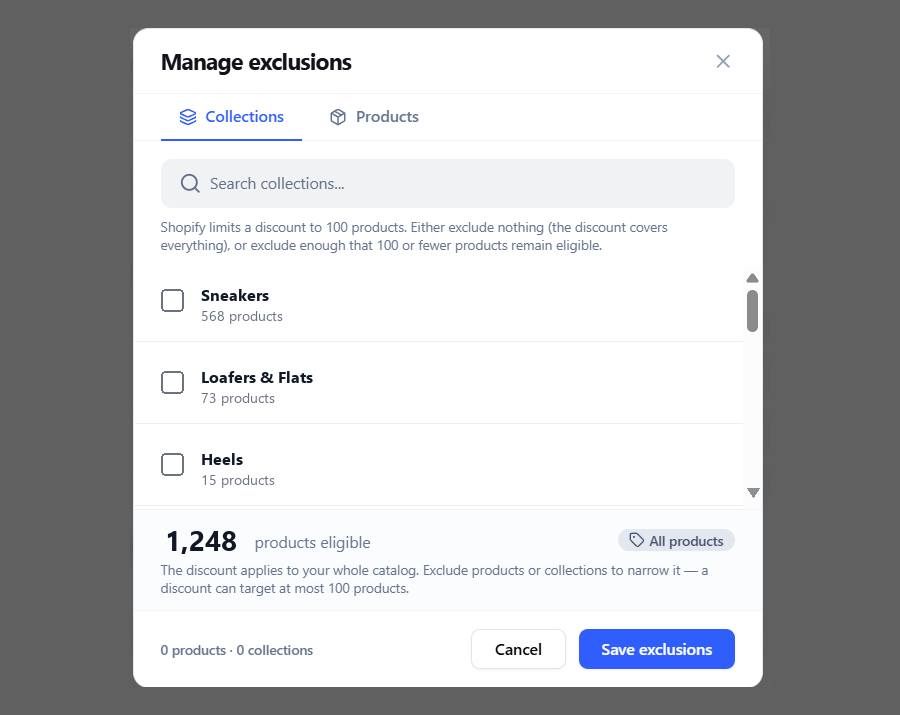
- The discount applies to every product in your catalog except the ones you've excluded.
- A product that also sits inside an excluded collection only counts once. If you remove the collection later, the individual exclusion stays.
- You exclude the collection itself, not a snapshot of it, so products added to that collection later are covered automatically.
The trade-off: exclusions change how your discount stacks
Excluding products protects their margin, but it also changes how the discount stacks with other Shopify discounts.
Excluding anything switches the discount to product-level. The moment you exclude a single product or collection, NavonaAI stops discounting the whole order and starts discounting specific products. That's true whether or not Force Product-Level Discounts is switched on, and you can't decline this change while exclusions are active.
Product-level discounts stack differently. Once scoped to products, the discount can combine with an order-level discount already on the cart. It can no longer combine with a separate product discount on the same line item, because Shopify keeps only the larger of the two.
See our guide to how discount stacking works for the full picture.
How many products can you exclude?
The limit depends on which discount path your store uses.
| Path | How it lists products | The limit |
|---|---|---|
| Classic | What's still eligible: your catalog minus everything you excluded | Shopify caps a single discount at 100 eligible products. This is fine for a few exclusions on a smaller catalog, but a large catalog with light exclusions can still hit the limit. |
| Discount Function | What's excluded, not what's eligible | There is no cap on the catalog. The limit is a configuration size budget of roughly 200 excluded products. |
The difference is what Shopify counts. With Classic, the limit applies to the products that are still eligible for the discount. With Discount Function, the limit applies to the products you've excluded.
Related reading
- Tiered Discounts by Cart Value: Set Different Discounts for Different Cart Sizes
- How to A/B Test Your Shopify Cart Abandonment Popups